
AI Character Art for Tabletop RPG Designers
Sourcebook-ready NPC portraits, class archetypes, and monster references — built for indie TTRPG designers publishing on DriveThruRPG, Backerkit, and Kickstarter without a full illustration budget.
The problem
An indie TTRPG sourcebook needs 20–60 character illustrations to hit the production quality that Backerkit and Kickstarter backers expect. Commissioning that art at $80–250 per piece costs $1,600–15,000 — often more than the Kickstarter goal. One- to five-person design teams either ship with placeholder art (killing backer confidence) or delay release while the illustration queue clears (killing momentum). A locked multi-angle reference set for each NPC, class archetype, and monster in the sourcebook provides production-quality art at a fraction of the commission cost.
How tabletop rpg designers and publishers use EZ Character
NPC portrait gallery for the core sourcebook
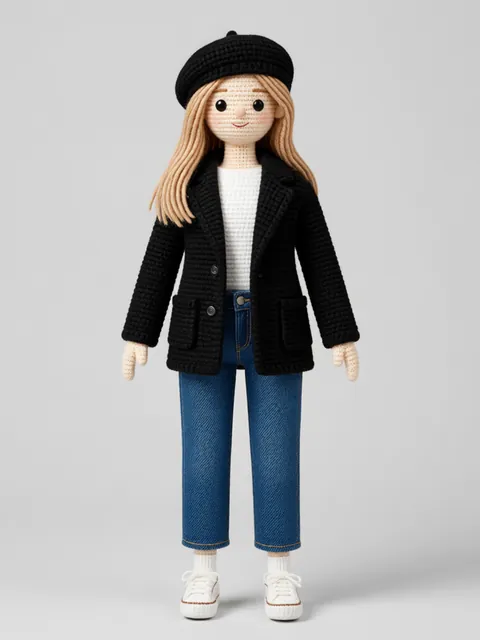
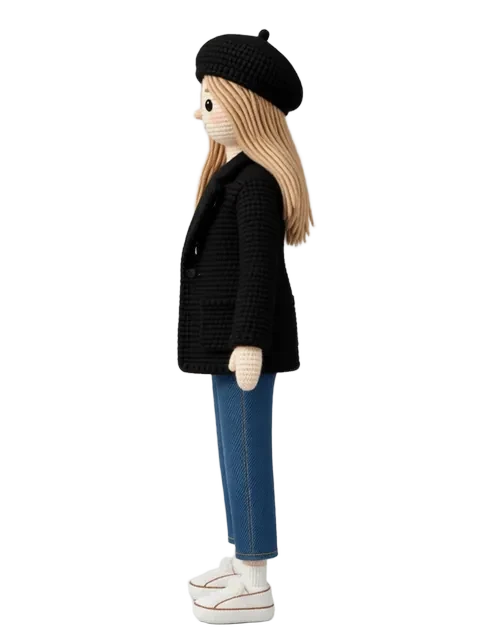
Every named NPC in the sourcebook needs a portrait — the innkeeper, the rival warlord, the ancient lich. Generate a locked multi-angle set for each named NPC. Pull the ¾ front as the in-book portrait. The back and profile angles serve the GM's digital handout packet and VTT token library.
Class archetype and race example illustrations
Player-facing chapter openers need archetypal illustrations — the fighter, the wizard, the ranger in your system's visual world. Generate a locked set for each archetype. Style-lock across all class illustrations so the sourcebook reads as a coherent visual world rather than a reference aggregation.
Monster and creature angle sheets
Bestiary entries are strengthened by showing the creature from multiple angles — the front view for the stat block, the ¾ view for the encounter illustration, the back view for any hide/approach tactical note. Generate the creature angle set in your sourcebook's art style and pull each angle for its context.
VTT token library from sourcebook art
Each NPC and monster portrait generates into a VTT-ready token library for Roll20, Foundry, or Owlbear Rodeo. Sell or bundle the token pack as a Backerkit add-on. The multi-angle reference set is the same asset powering both the print sourcebook and the digital VTT bundle.
Recommended workflow
Start with these step-by-step guides — tuned for the deliverables tabletop rpg designers and publishers ship most often.
Which tier fits this work
Start with PRO. A sourcebook with 40 illustrations needs 40 locked reference sets plus variant expressions and VTT token derivations. Pro, a monthly credit allowance plus member pricing on the EZ engines (fast FLUX 4B images cost 0.5 credits), matches a structured pre-production sprint — generate the full cast in a week without stalling momentum.
Frequently asked questions
Can I publish EZ Character art in a TTRPG product sold on DriveThruRPG or Backerkit?
Does EZ Character support non-human species typical in TTRPG sourcebooks (elves, orcs, lizardfolk, constructs)?
Our sourcebook has a specific art style (OSR black-and-white, painted realism, anime-esque). Can EZ Character match it?
How do I prep the art for professional PDF layout (InDesign, Affinity Publisher)?
Generate your first reference set
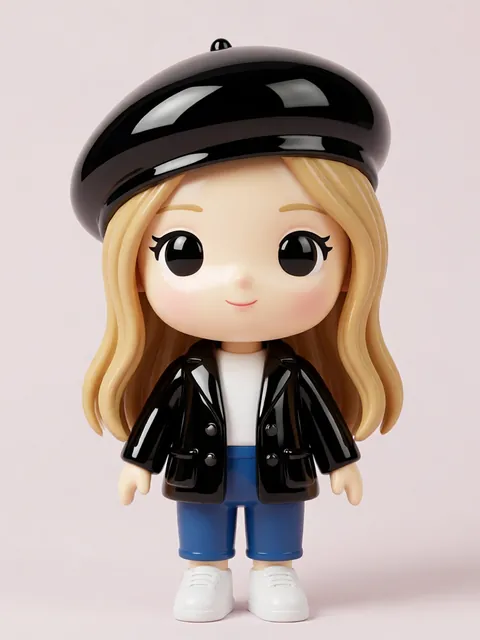
Upload one image. Get 8 consistent angles. Use the set across every spread, frame, or sprite in your project.
Try EZ Character freeFree tier: 40 credits every month. No credit card required.