
AI Character Reference for 3D Printing
Clean orthographic references in minutes. Front, side, and back planes locked to the same character — ready to import into Blender, ZBrush, or Nomad Sculpt as your sculpting reference.
The problem
3D character sculpting — whether for resin figurines, tabletop miniatures, or collectible statues — requires clean orthographic reference from at minimum two angles (front and profile). Without orthographic reference, sculptors estimate proportions and depth relationships, resulting in characters that look correct from one angle and wrong from every other. Commissioning orthographic character sheets from a 2D artist adds $150–500 per character to the pre-production cost of every figurine project. A locked multi-angle reference set generated in minutes replaces the most time-consuming pre-sculpt step in the 3D printing pipeline.
How 3d printing enthusiasts and figurine makers use EZ Character
Orthographic background planes for sculpting
Generate the front, profile, and back views at matched resolution. Import into Blender, ZBrush, or Nomad Sculpt as background reference planes. Sculpt to the reference with confidence that the character reads correctly from every angle.
Tabletop miniature reference sets
Generate locked multi-angle references for every miniature in a squad, warband, or monster set. Consistent style across the entire range — the goblin squad reads as the same faction, the dragon reads as the same species.
Figurine pose exploration
Lock the character design, then explore sculptural poses. Each pose references back to the same orthographic set. The character stays on-model through action poses, seated poses, and dynamic compositions.
Collectible statue pre-visualisation
Before committing to a 200-hour ZBrush sculpt, generate the full multi-angle reference and evaluate the character at every angle. Catch proportion issues, silhouette problems, and design conflicts before they cost print hours.
Recommended workflow
Start with these step-by-step guides — tuned for the deliverables 3d printing enthusiasts and figurine makers ship most often.
Which tier fits this work
Start with a Credit Pack. Most 3D printing projects need reference for 1–5 characters per project. A 3,200-credit pack covers reference generation for multiple projects plus pose and variant exploration, with credits that never expire.
Frequently asked questions
Can I use EZ Character output as direct orthographic reference for 3D sculpting?
Does EZ Character output at resolutions suitable for 3D reference?
Can I sell 3D printed figurines based on EZ Character references?
What's the best tool chain for going from EZ Character reference to a printed figurine?
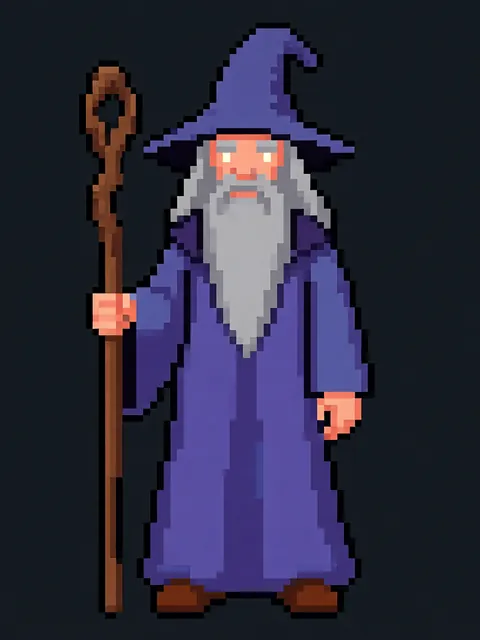
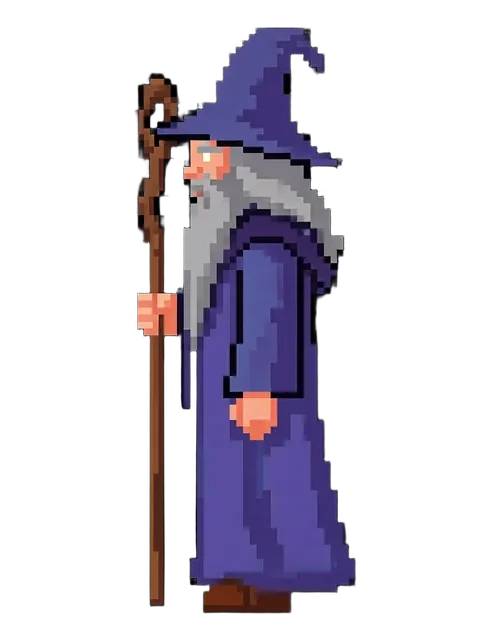
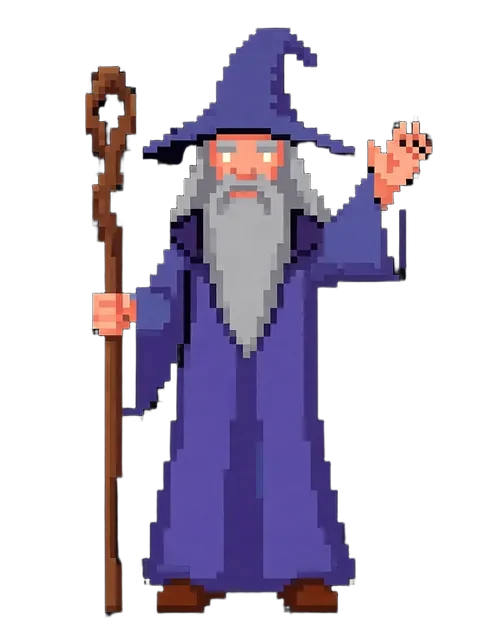
Generate your first reference set
Upload one image. Get 8 consistent angles. Use the set across every spread, frame, or sprite in your project.
Try EZ Character freeFree tier: 40 credits every month. No credit card required.