
Design Low-Poly Character Model Sheets
Low-poly model sheets serve a specialized purpose: they guide a 3D artist in creating characters with intentionally limited geometry. Unlike standard model sheets that aim for maximum accuracy, low-poly sheets must communicate which details to keep and which to omit — the art of elegant simplification.
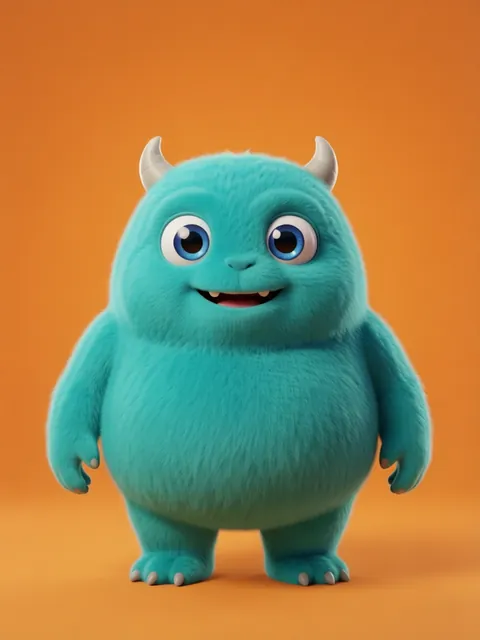
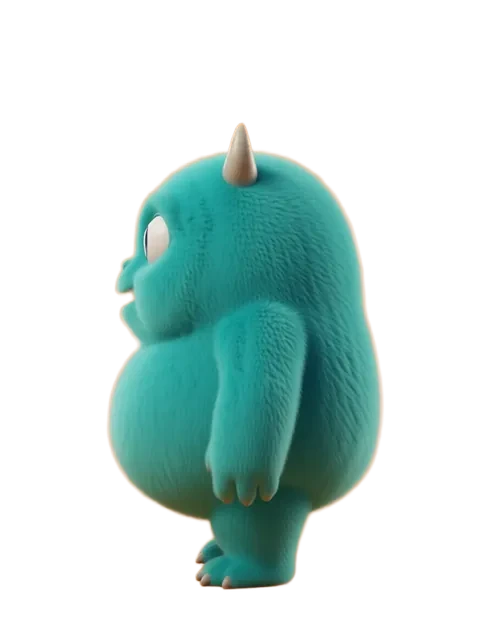
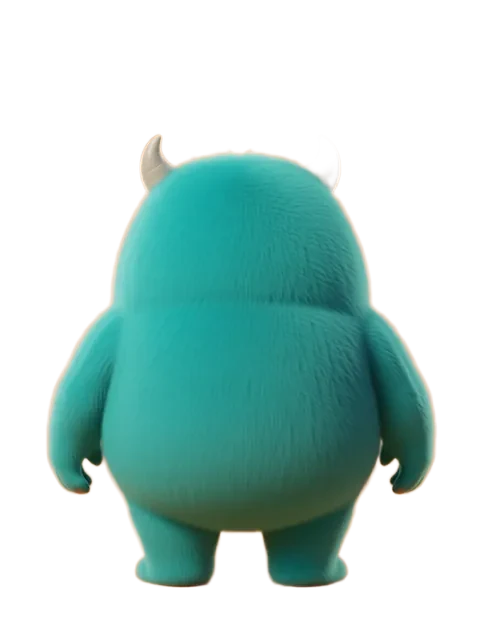

- 01
Define your polygon tier
Establish the target complexity: ultra-low (under 100 tris), mobile-game (300-500 tris), or stylized-low (500-1500 tris). This decision drives every subsequent design choice.
- 02
Generate the geometric breakdown
Create a version of the character that shows the underlying geometric shapes: spheres for heads, cylinders for limbs, boxes for torsos. This gives the modeler a clear starting point.
- 03
Produce the flat-shade color reference
Generate the character with strict flat shading — no gradients, no shadows. This is the exact color the model faces will be painted.
- 04
Create detail priority annotations
Rank every character feature by importance: "face shape: critical, individual fingers: optional, belt buckle: skip." This guides the modeler on where to spend polygon budget.
- 05
Generate silhouette validation views
Render front, side, and top silhouettes. In low-poly, the silhouette IS the character. If the silhouette is ambiguous, the design needs simplification.
- Low-poly characters use color changes instead of geometry for detail: a belt is a color stripe, not extruded geometry
- Hard edges (flat shading, no smoothing groups) are a stylistic choice — document whether the modeler should auto-smooth or keep hard edges
- Generate a wireframe-style overlay showing approximate edge flow for the modeler to follow
- Include the character at final game camera distance to validate that simplification choices read correctly
Ready to create consistent character views?
Upload a reference image and generate multi-angle views that stay true to your character.
Start generating