
Create Isometric Character Sprite Sheets
Isometric sprite sheets are among the most labor-intensive assets in game development — a single character needs 8 directional facings, each with walk, idle, and action animations, potentially hundreds of individual frames. AI generation can dramatically accelerate this process while maintaining the visual consistency that isometric games demand.
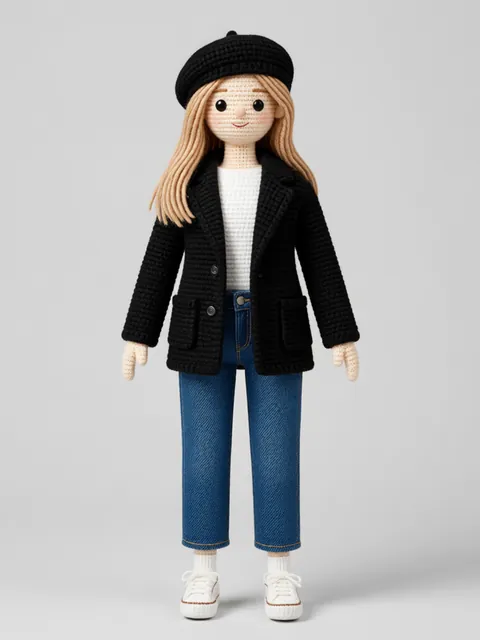
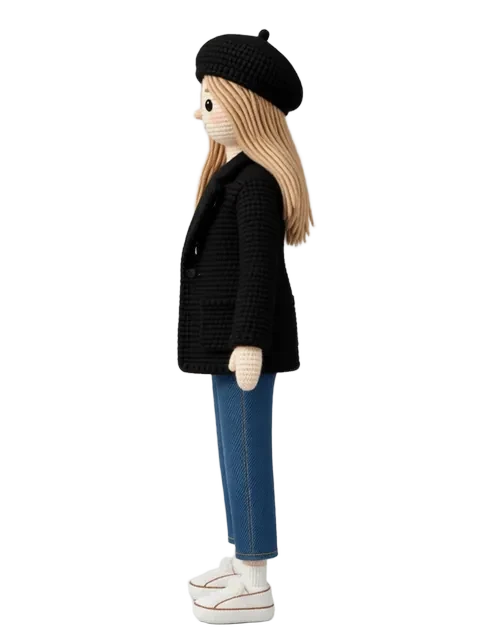

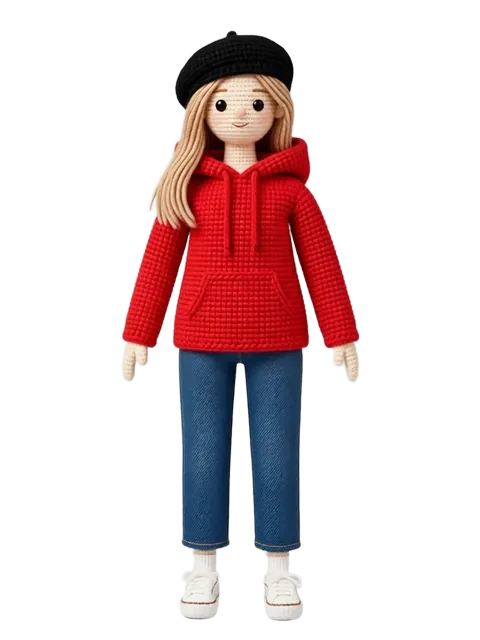
- 01
Define your sprite specification
Set the canvas size per frame (64x64, 128x128, etc.), the number of animation frames per cycle (walk: 8, idle: 4, attack: 6), and the number of directions (4 or 8).
- 02
Generate the 8-direction idle frames first
Start with static idle poses for all 8 directions. These are your consistency anchors — every animation frame must match these proportions.
- 03
Produce walk cycles per direction
Generate 4-8 walk cycle frames for each direction. Isometric walk cycles show different limb visibility depending on the facing direction.
- 04
Create action animations
Generate attack, hit-react, death, and special ability frames for each relevant direction. Not all actions need all 8 directions — define which are required.
- 05
Compile and align the sprite sheet
Arrange all frames into a standardized grid: rows for directions, columns for animation frames. Ensure consistent anchor points (feet position) across every frame.
- 06
Validate at game scale
Render the sprite sheet at actual game resolution and test each animation cycle for smoothness and readability.
- Isometric walk cycles look wrong if the foot contact frame does not sit perfectly on the iso ground plane — check every direction
- Generate at 2-4x your target resolution and downscale for cleaner sprites
- Shadow frames should be generated as a separate layer for engine compositing flexibility
- Start with 4 directions and expand to 8 only if the game camera allows player rotation
Ready to create consistent character views?
Upload a reference image and generate multi-angle views that stay true to your character.
Start generating