
Best AI for Enamel Pin Design: Character Art That Survives the Manufacturing Spec
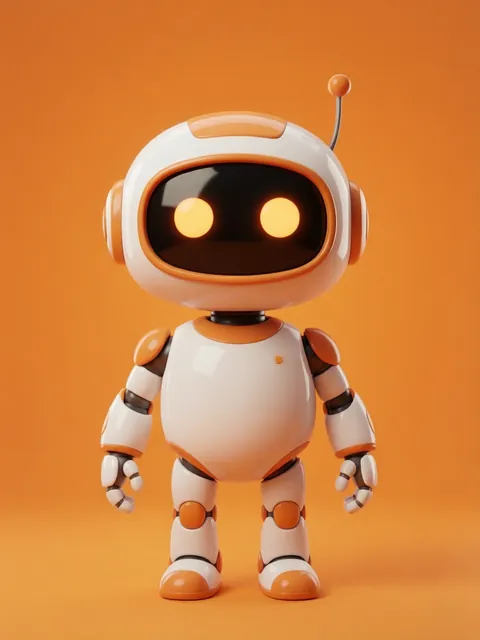
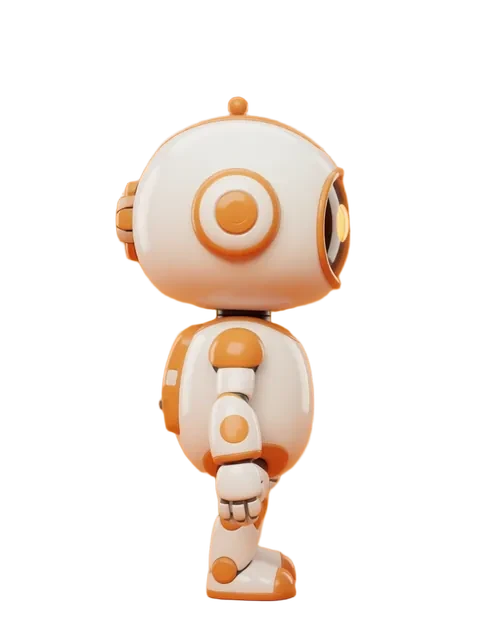
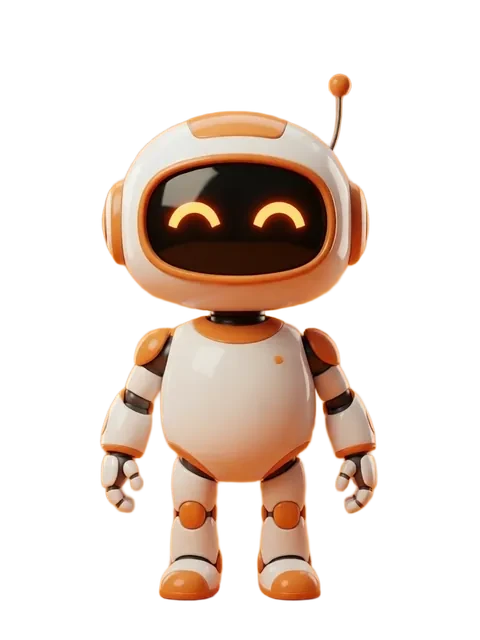
Designing an enamel pin is not like drawing a character. A pin design has to survive brutal manufacturing constraints: 1 to 2 inches of physical space, 3 to 6 Pantone colors maximum, clean line art with trapped color areas, and — if you are running a Kickstarter campaign or Etsy shop — the same character across a 5-pin series where collectors will hold each pin side by side. Midjourney makes gorgeous character art, but it does not understand metal plating, Pantone separation, or the structural requirements of hard enamel vs soft enamel manufacturing. And it certainly does not lock character identity across a pin series. EZ Character provides the 8-angle locked reference sheet that becomes the design blueprint for your pin series. From there, you adapt for manufacturing specs. Answer: Midjourney can inspire pin concepts with beautiful artistic renders, but it does not produce manufacturing-ready design files and cannot guarantee character consistency across a pin series. EZ Character locks character identity across 8 angles in one generation — giving you the consistent reference views needed to design each pin in the series with the same character. Combine EZ Character reference sheets with vector tracing in Illustrator for the final Pantone-separated production files.
Midjourney vs EZ Character at a glance
| Criterion | EZ Character | Midjourney |
|---|---|---|
| Character consistency across a pin series | 8 locked angles from one generation — design each pin in your series from the same reference, character stays identical | Midjourney generates each pin design independently — the character face and proportions will drift between pin 1 and pin 5 |
| Multi-angle reference for pin poses | Front, 3/4, profile, and back views in one pass — choose the angle that works best for each pin in your series | Midjourney requires a separate prompt for each angle with no guarantee of character consistency between them |
| Manufacturing-ready linework | Reference sheets provide clean character silhouettes and edge definition — good starting point for vector tracing | Midjourney outputs are raster images with soft edges and gradients — require significant cleanup before they work as pin line art |
| Pantone color limitation awareness | Clean, limited palette in reference outputs — easier to posterize and reduce to 3-6 Pantone colors for manufacturing | Midjourney produces rich, complex color palettes that need aggressive simplification for hard enamel or soft enamel production specs |
| Kickstarter campaign design pipeline | Generate reference sheet for the pin series character, export individual angles for each reward tier pin design, and use the same reference for campaign graphics | Midjourney excels at creating beautiful campaign page hero images and marketing materials but does not solve the pin-to-pin consistency problem |
| Etsy shop listing consistency | All pin listings in a series share the same character reference — product photos and mockups feel cohesive | Midjourney can generate individual product mockups and listing images but cannot guarantee the same character appears across different listings |
| Production file workflow | Reference sheet export -> vector trace in Illustrator -> Pantone separation -> send to manufacturer | Midjourney -> manual cleanup -> manual vector tracing -> manual consistency checking -> Pantone separation — more manual steps with no identity guarantee |
When to use each
EZ Character
When you are designing a character-based enamel pin series (5-pin set for Kickstarter, character collection for Etsy) and need the same character identity across every pin. Generate the 8-angle reference sheet once, then design each pin from a different angle — all guaranteed consistent.
Midjourney
Use Midjourney for pin concept exploration, aesthetic inspiration, and campaign marketing materials. Midjourney is excellent at generating "what could this pin look like?" visuals. It is not a production design tool.
Frequently asked questions
What is the full workflow for designing an enamel pin series with AI?
Hard enamel vs soft enamel — does the AI output matter for either?
Can Midjourney create actual pin manufacturing files?
How many colors should my character pin design use?
What pricing tier do I need for enamel pin design work?
Try EZ Character free
Upload one image. Get 8 consistent angles. See the difference for your own character.
Generate your reference setFree tier: 40 credits every month. No credit card required.