
Upload image 2D character
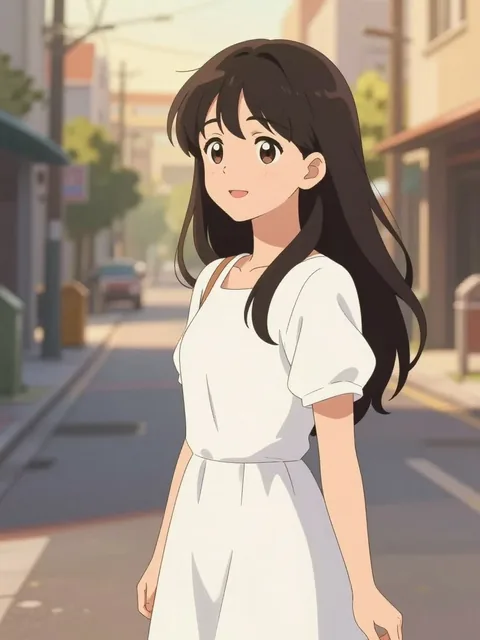
01
Upload the artwork
Choose the flat illustration whose character design should remain recognizable.
Custom keywords and negative prompts are available with PRO.
Image workspace · How it works
Translate a character drawing into a dimensional render style.
Choose the flat illustration whose character design should remain recognizable.
Describe the material, lighting or 3D feel you want in the result.
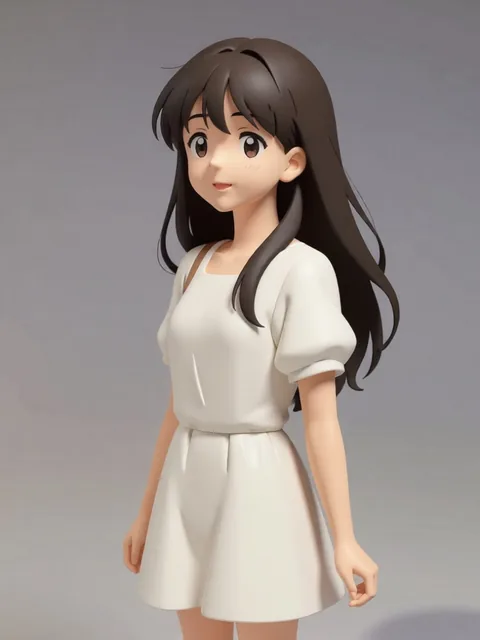
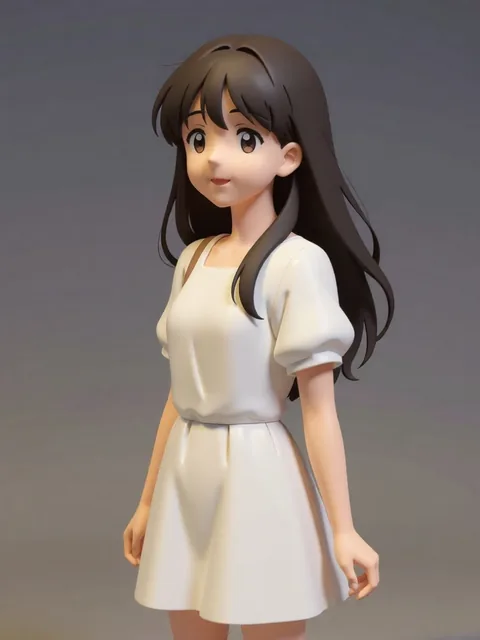
Compare the design with the original and save the render you prefer.
Your results stay available in All history and All recent jobs.
Turn flat 2D character art into 3D figurine, clay, and Pixar-style renders — multiple looks per upload.
Your recent jobs show up here
Sign in to start — 40 free credits every month, no card.