
Characters, places and props
Add up to 9 images of your character, a place or a prop, plus up to 3 videos and 3 audio files. Refer to them in your prompt as [Image1], [Video1], [Audio1].
Video model
Your character, in motion.
Add pictures of your character, a place or a prop, plus video clips and audio, and EZ Video 2 Reference keeps them recognizable in every frame, with sound. Add a start or end frame when you want an exact opening or closing shot.
Open EZ Video 2 Reference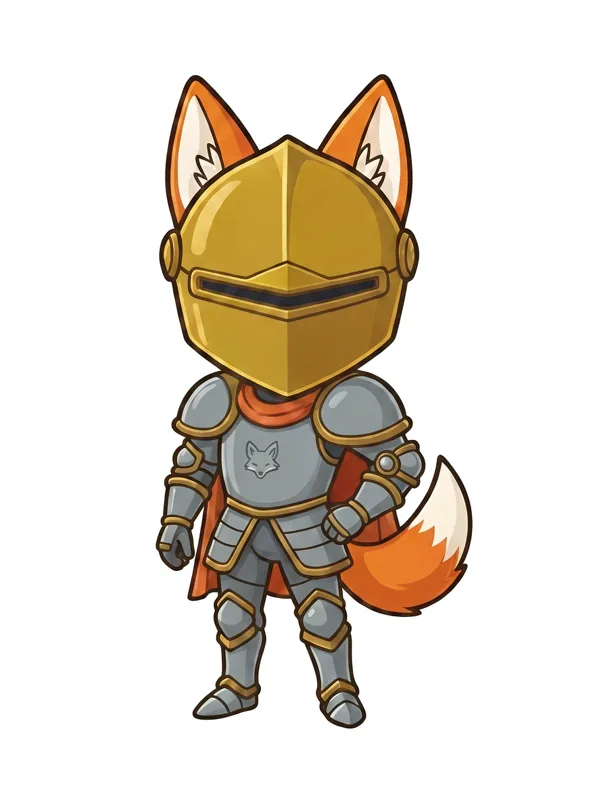
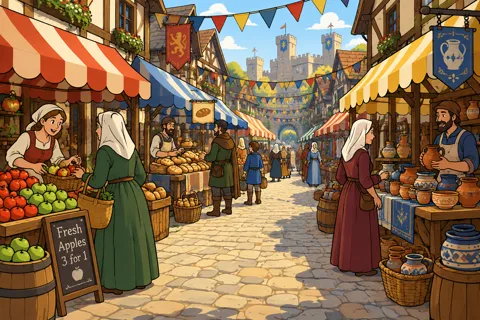

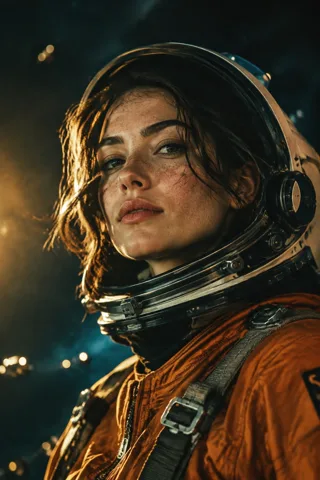
Add up to 9 images of your character, a place or a prop, plus up to 3 videos and 3 audio files. Refer to them in your prompt as [Image1], [Video1], [Audio1].
Reference images show who and what appears. A start frame is the exact first picture, which then moves the way you describe. You can use both.
Every clip comes with generated sound. Credits are shown on the Generate button before you run. Failed videos are refunded.
EZ Video 2 Reference is EZ Character's reference-to-video model. It turns up to 9 reference images, 3 reference videos, 3 audio files and a prompt into a 5 to 15 second video with sound.
Add clear pictures of your character as reference images and refer to them in your prompt as image 1, image 2 and so on. EZ Video 2 Reference uses them to keep the character recognizable through the clip.
Up to four. Each one can be a character, a place or a prop. Name them in your prompt as image 1 to image 4.
Reference images show who and what should appear in the video. A start frame is the exact first picture of the video, which then moves the way your prompt describes.
Choose 5 to 15 seconds at 480p or 768p. Every clip comes with generated sound.
It uses EZ Character credits. The Generate button shows the total before you run, and failed videos are refunded.